

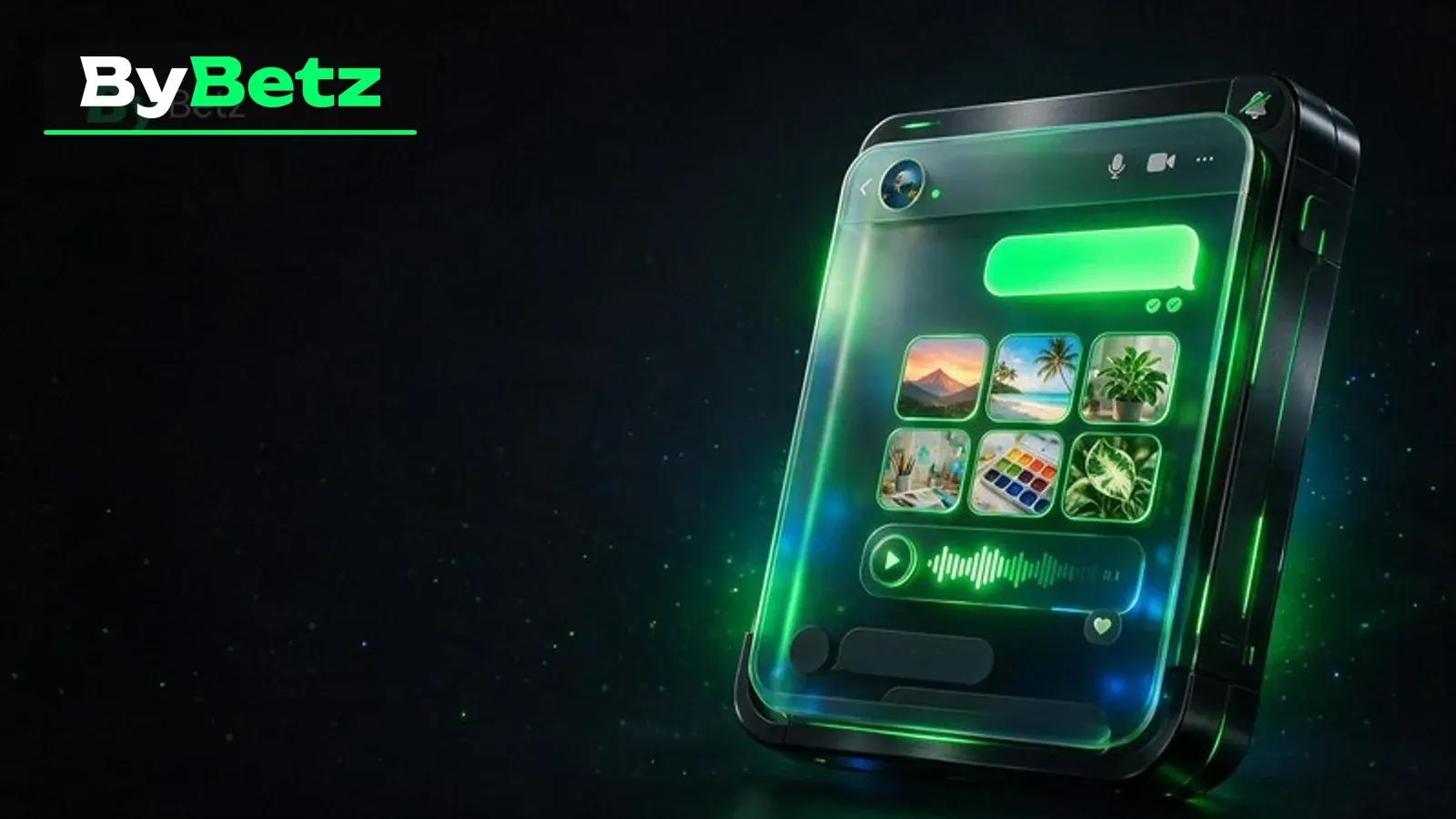
ByBetz Direct Messages: Images, Voice Notes and Read Status
Understand ByBetz direct messages between friends, including text, images, voice notes, read status, mute and clear-history controls.
ByBetz direct messages are one-to-one conversations between confirmed friends. The friend requirement creates a clear boundary around who can open and use the thread. A direct chat can contain text and, where enabled, images or voice notes, and it can show delivery or read-state indicators for messages sent by the account.
Private does not mean risk-free. The recipient can save an attachment, repeat a voice note or capture a screenshot. This guide explains the controls while keeping the most important rule in view: send only information you would remain comfortable with after it leaves the original conversation.
Starting and reading a direct conversation
Open a friend from the Social list or a profile popover and choose the message action. If a direct channel already exists, the thread reopens with its history; otherwise the channel is created when needed. The header identifies the counterpart, and the profile link helps verify that the conversation belongs to the expected account.
Messages are grouped chronologically with time markers and an unread divider. A single or double check can indicate sent versus read state for your own messages. Treat the indicator as technical context, not a demand for an immediate response. Connectivity, notifications and availability can all affect when a person reads a message.
Images and voice notes
Direct chat can accept image attachments and recorded voice notes when the composer exposes those actions. Preview an image before sending and inspect the frame for wallet addresses, balances, browser tabs, personal documents and location details. Cropping is not a security guarantee when the original file contains sensitive metadata or context.
For voice notes, speak as if the audio could be replayed later. Do not read out one-time codes, passwords, recovery phrases or identity numbers. Confirm the active microphone and stop the recording before discussing unrelated private information. If an upload fails, check the message state before recording or attaching the same content again.
Mute, fullscreen and clear history
Mute reduces notifications from the direct channel without removing the friendship. Fullscreen expands the same conversation when more room is useful. These controls change the viewing experience; they do not change the audience or erase messages already delivered.
Clear chat is a consequential action because the interface warns that it permanently deletes the conversation history for both participants. Read the confirmation carefully before proceeding. If you need a record for a safety report, use the report flow first rather than clearing the evidence you may need to describe.
Recognize risky requests
A friend account can be compromised. Be skeptical of sudden requests for crypto, recovery help, screen sharing or urgent transfers, especially when the language differs from the person's usual style. Verify through another trusted channel before acting. ByBetz support should not need a seed phrase or private key in direct chat.
Use the profile and message report actions when content is abusive, deceptive or unsafe. Removing the friendship stops the relationship that authorizes direct chat, while muting only changes notifications. Choose the control that matches the risk rather than staying in a harmful conversation to be polite.
Use social features with clear boundaries
Social tools can make an online casino feel more connected, but they do not change the mathematics of any game. A friend being online, a busy chat or a party invitation should never become pressure to wager, increase a stake or continue a session. Treat conversation and play as separate choices. You can stay in touch without copying another person's wager, sharing financial details or trying to recover a loss in front of an audience.
Protect the same information you would protect elsewhere online. Never post wallet seed phrases, private keys, one-time codes, recovery codes, identity documents or screenshots that expose balances and addresses. Review the controls in My Account, use the platform's block or report actions when needed, and read the privacy notice to understand how account information is handled. If an interaction feels uncomfortable, disengage before it becomes a larger problem.
A practical Social checklist
Before using the feature, take a minute to confirm the audience, notification state and information you are about to share. The interface may evolve, so the labels visible in your current account take priority over an older screenshot or article.
- Verify the counterpart profile before sending private content.
- Inspect every image for balances, addresses, documents and other sensitive details.
- Keep codes, passwords, seed phrases and private keys out of voice notes and text.
- Use mute for notification control and remove or report when trust is lost.
- Read the clear-history warning because deletion affects both participants.
These checks are intentionally simple. Repeating them is more useful than relying on memory after a conversation becomes busy. You remain in control of whether to accept a request, join a call, share a post, open a message or leave a party.
Key takeaways
Direct messages combine convenient one-to-one communication with a meaningful trust decision. The friend requirement limits access, while image, voice and read-status tools make the conversation richer.
Use that richness carefully. Verify the identity, minimize sensitive content and understand the difference between muting, clearing, removing and reporting. Privacy is strongest when the message never contains a secret that should remain under your control.
ByBetz Social is a communication layer around the platform, not a promise of better results. Keep gambling within a pre-set money and time budget, avoid chasing losses, and step away when play is no longer comfortable. For a broader framework, read the responsible crypto gambling guide.